Adding multiple children to your premium Monster Math account is easy!
Here’s how:
On the home screen, tap the menu icon (a circular icon with 3 horizontal lines) in the top-left corner.
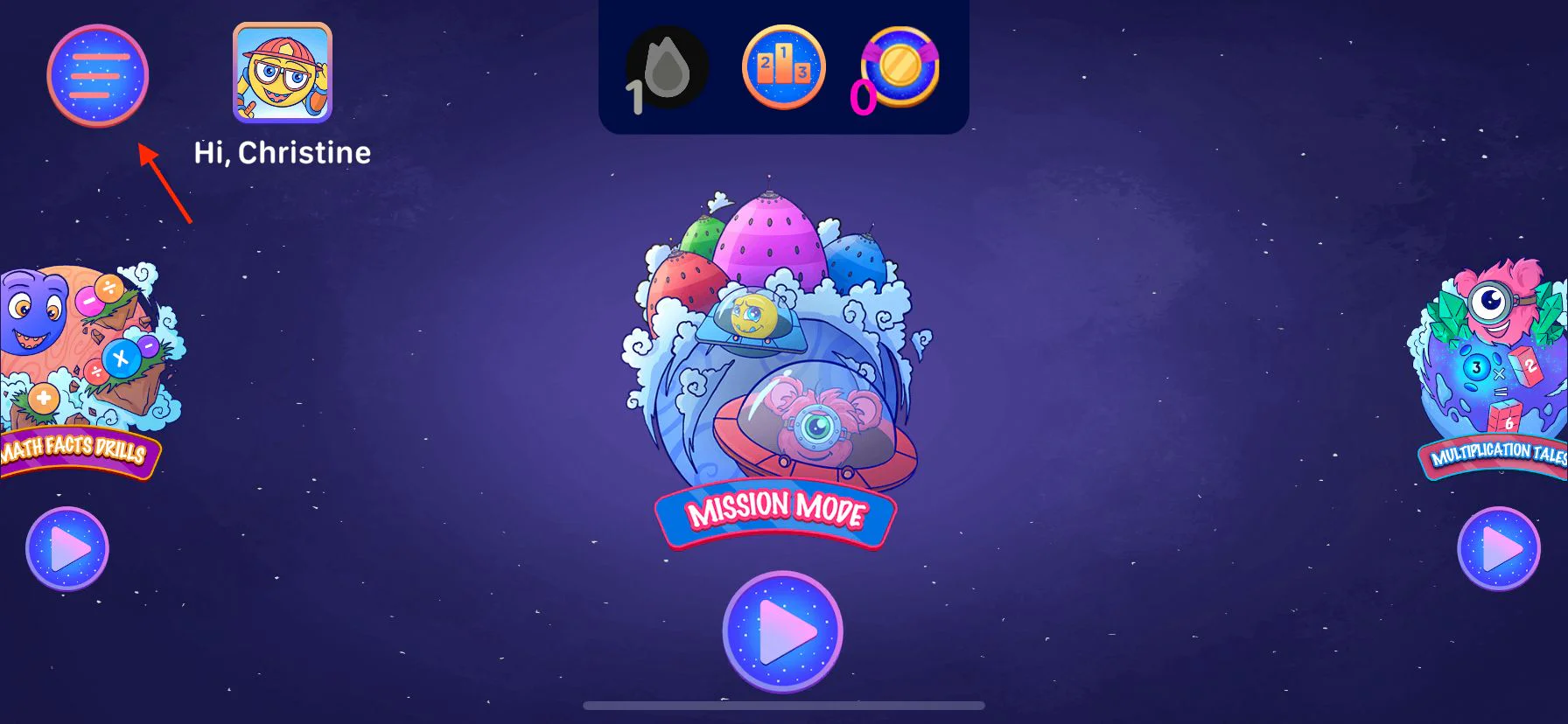
Select ‘Add Learner’ from the menu.

Follow the onboarding steps to set up a new learner profile for your other child.
Multiple learner profiles is only available after a trial has been started in the app. The free version of the app allows only one learner profile.