You can easily import your class and students from Clever:
If you selected Clever while creating your teacher account, tap on Monster Math from the Clever library.
2. Once you have been successfully logged in, click on 'Allow and continue' to grant Monster Math permission to view your student details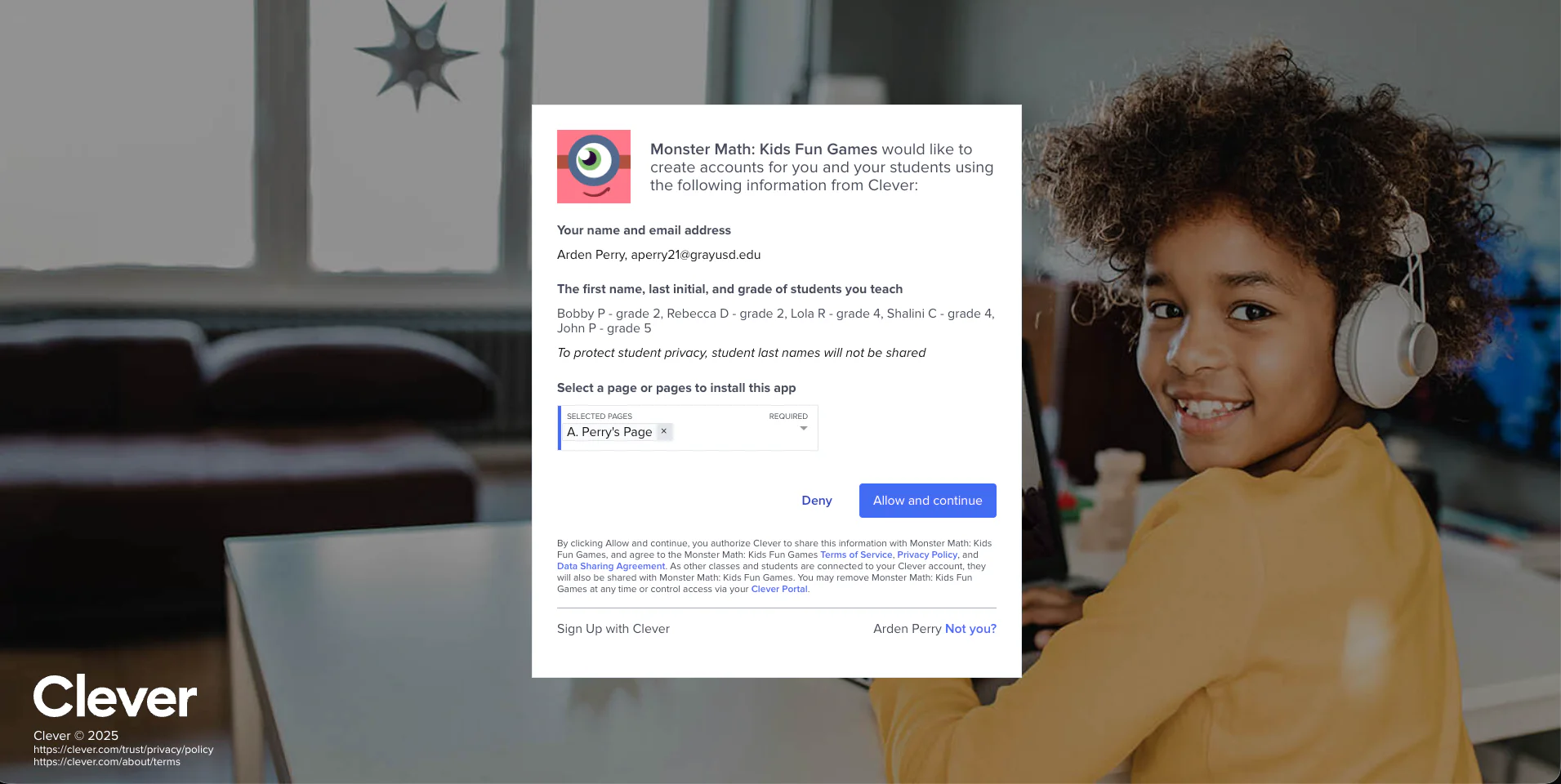
3. Select the classes you would like to import
4. Select the students you would like to import
That's it! You would've imported your selected class and students from Clever.
Read on -