A Monster Math Teacher Account allows teachers to create class lists, add students, and assignments. You'll also gain access to insightful reports and monitor your students' progress through Monster Math's Reporting tools!
Follow the steps in this article to create your Teacher Account today!
From the Clever Dashboard
If logged into Clever, click on the Monster Math icon from "My teacher pages" and you will be logged into the app.
From the Monster Math webpage
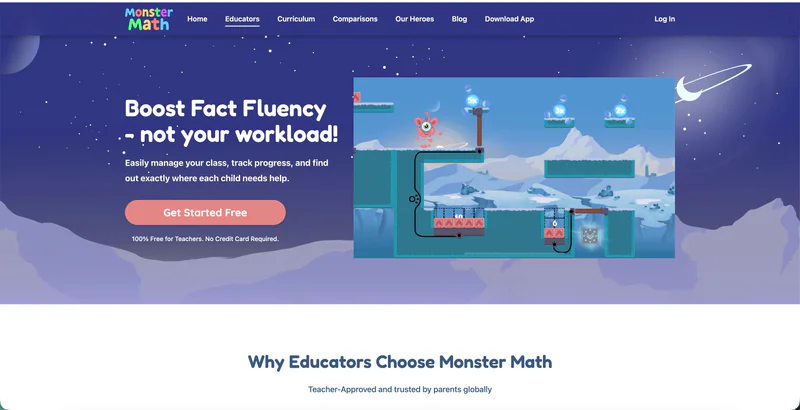
Step 1 – Go to the Educator Sign-Up Page
Navigate to Monster Math and click on the 'Get Started free' button.
Step 2 – Choose Your Sign-In Method
Single Sign-On (SSO): If your school uses platforms like Clever,Google Classroom or ClassLink, click the corresponding button and sign in with your school credentials.
Email Sign-up: If you’re not using SSO, simply enter your name and email to create your account.

That's it, your Teacher account is created!