Deleting a learner profile is a non reversible action and should be done only if absolutely sure.
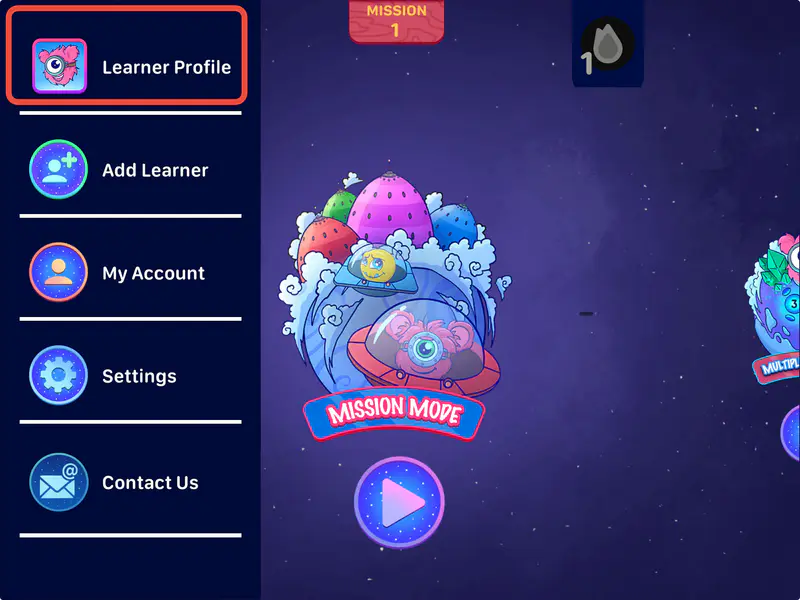
Click on "Learner Profile" from the side menu
Select the profile you would like to delete

Click on "Delete Learner". You will be asked to confirm deletion. Once confirmed the learner profile and all it's progress will be deleted.