You can easily find your class code from any page of the teacher dashboard.
Once signed in to the teacher dashboard, the class code can be found in the top right side of the screen
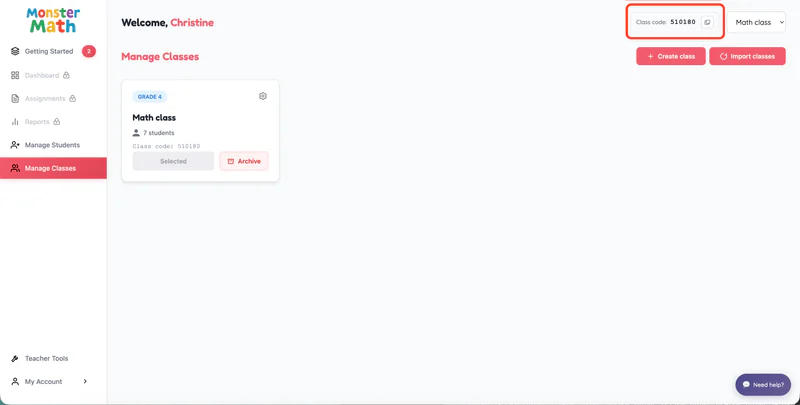
You can easily find your class code from any page of the teacher dashboard.
Once signed in to the teacher dashboard, the class code can be found in the top right side of the screen
Previous Post
How do students log in to Monster MathNext Post
How to switch classes?Loading...