Here are two ways to access your Teacher Account, manage your students, create assignments and view reports:
From the Clever Dashboard
Go to Teacher Pages in the Clever Dashboard.
Tap the Monster Math icon and you will be logged into your account.
From within the app
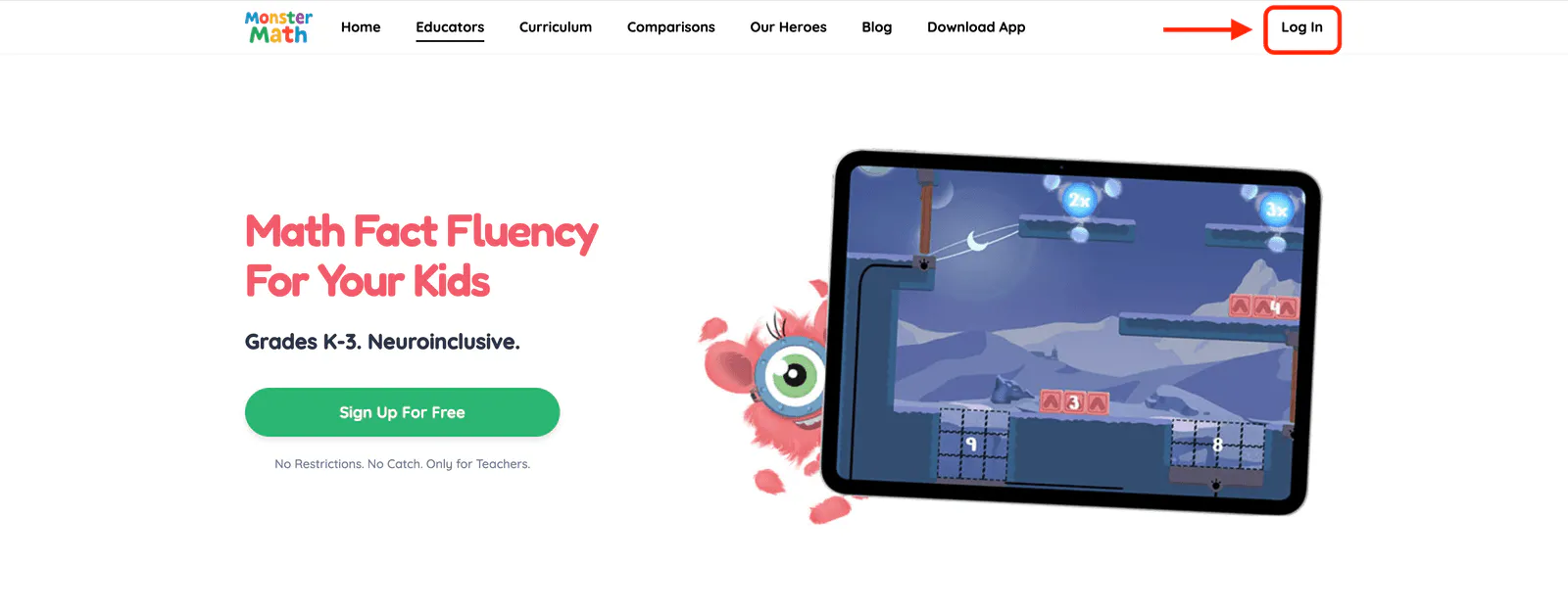
Go to Monster Math on your device's browser, and select the Log In button from the upper-right corner of the page.
2. Make sure you select Teacher on the following screen: 
3. If your Monster Math Teacher Account was created with, or is linked to Google Classroom or Clever, select the appropriate Single Sign-On button. Otherwise, enter your registered e-mail address, then select Sign in.
That's it - you'll be logged into your Teacher Account dashboard!